For parents
Your child will build things you can see.
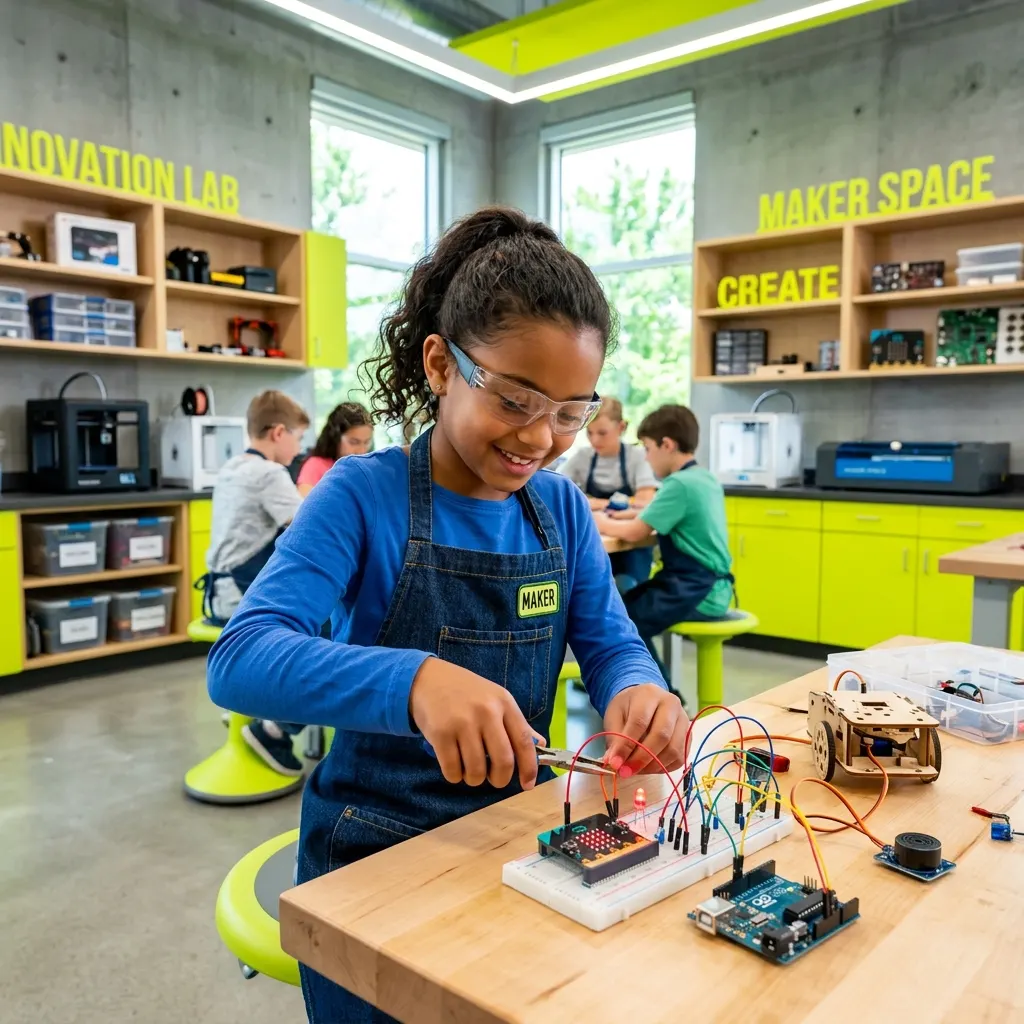
What your child builds
One ladder. Four levels.
Your child climbs one step at a time, from Scratch stories in Class 3 to a startup pitch in Class 12.
Classes 3–5
Explorer
- What they build
- Animated stories, simple games
- 3Story Explorers
- 4Game Builders
- 5Young Inventors
Classes 6–8
Builder
- What they build
- Personal website, first app, a working gadget
- 6Maker
- 7Coder
- 8Shipper
Classes 9–10
Creator
- What they build
- A real app that solves a school or local problem
- 9Full-Stack Designer
- 10AI Product Builder
Classes 11–12
Founder
- What they build
- Paid projects, a startup pitch, a strong portfolio
- 11Studio Apprentice → Freelancer
- 12Founder Sprint
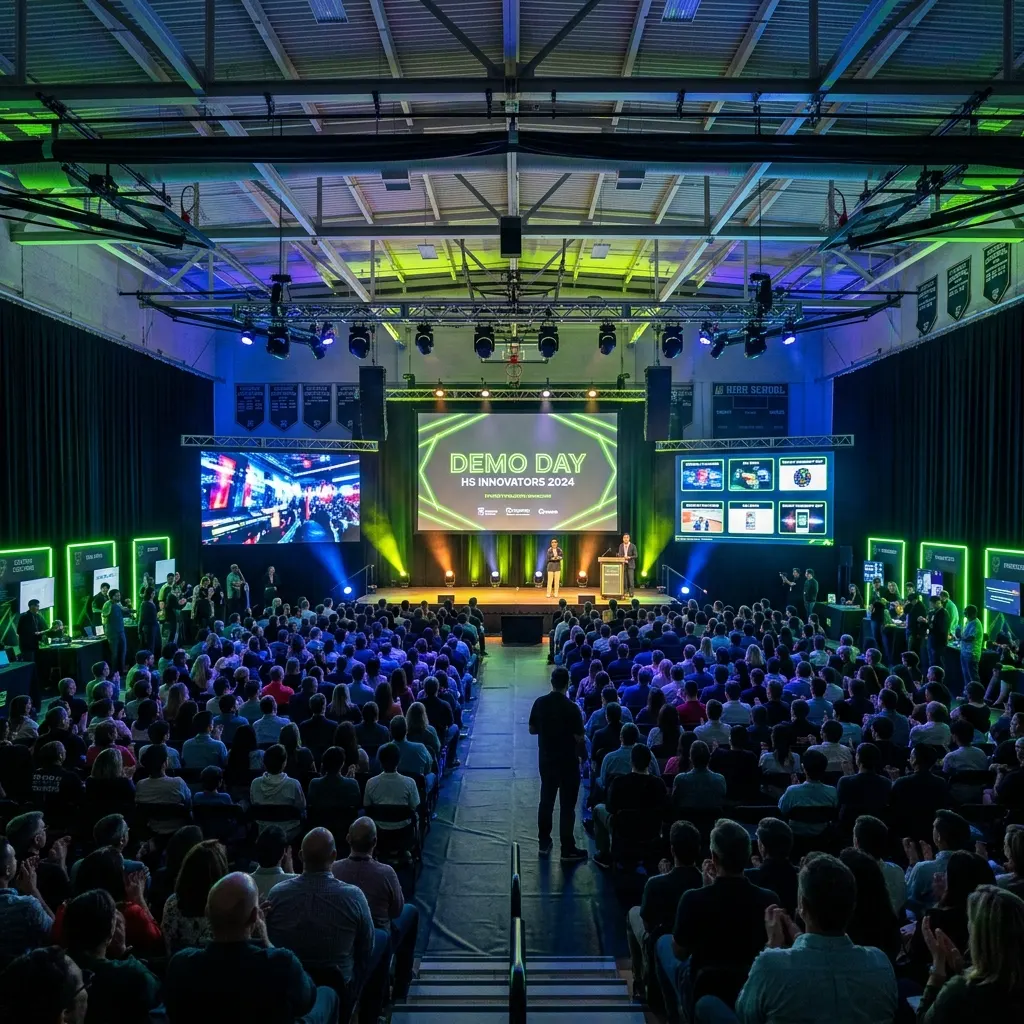
How you see progress
You never have to guess.
Four ways to see what your child has learned.
- 01
Showcases
Each class ends with a showcase. Some classes also hold one in the middle of the year.
- 02
Demo Day
Parents are welcome. Your child shows and explains what they built.
- 03
Certificate
A certificate records the class, the level and what your child made.
- 04
Portfolio
In the older classes, students keep a portfolio of the work they have shipped.
Safety
Safe, supervised and on campus.
Inside your child’s school
Sessions run on campus, with a trained Revonix mentor in the room.
Electronics with a mentor
Electronics starts in Classes 6–8 with beginner kits, always with the mentor present.
AI as a helper
Students learn to think and write first, then use AI to help. They also learn when AI gets things wrong.
Screens used to make things
Screen time goes into stories, games, websites and apps that students build themselves.
Ask your school
Want this at your child's school?
Send this short note to your principal or class teacher. Your school will share the fees.
Hello, I am a parent of a child in Class ___. I read about Revonix Labs (https://revonixlabs.in), a year-round AI and coding program for Classes 3 to 12 that runs inside the school. Could the school look at it and book a free demo class? Thank you.
Questions
Parents often ask
Does my child need to know coding already?
No. The ladder starts in Class 3 with a first unit called Hello, Computer! Every class builds on the year before.
Do I need to buy a laptop or a kit?
Kits for class use come with the program, and sessions run at school. Your school will share the fees.
How will I know what my child has learned?
Through showcases, Demo Day, the certificate and, in the older classes, a portfolio of finished work.
My school does not have Revonix yet. What can I do?
Send the short message below to your principal or class teacher. We are happy to give the school a free demo class.